Architect’s early design smart assistant

Seamless AI for Architectural Workflows

Not just a design tool, an assistant you need. Integrate AI in your personal workflow.

Trusted by

Discover Powerful Features

Unlock a range of powerful features designed to enhance your experience and maximize productivity. Explore now!

Easy design share with your colleagues. Update your design anywhere anytime

Avoid delays by saving your design data for future designs.

Personalize your machine results by feeding it. Generate dozens of plans from different design styles.

Submit Your request, explore dozens of designs and edit them real-time. change the machine generated design and create a new design model.

FEATURE

Layout Generation with AI

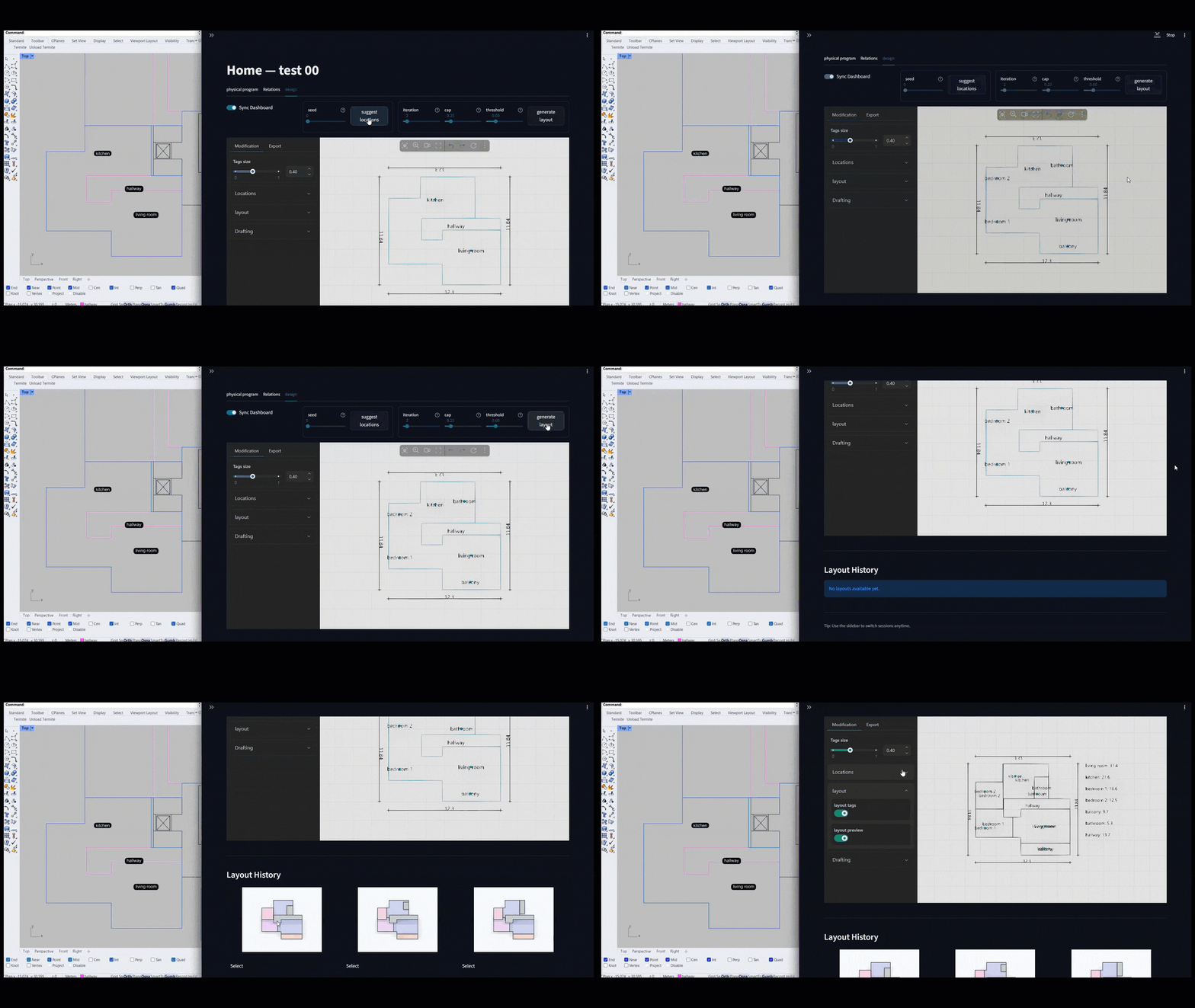
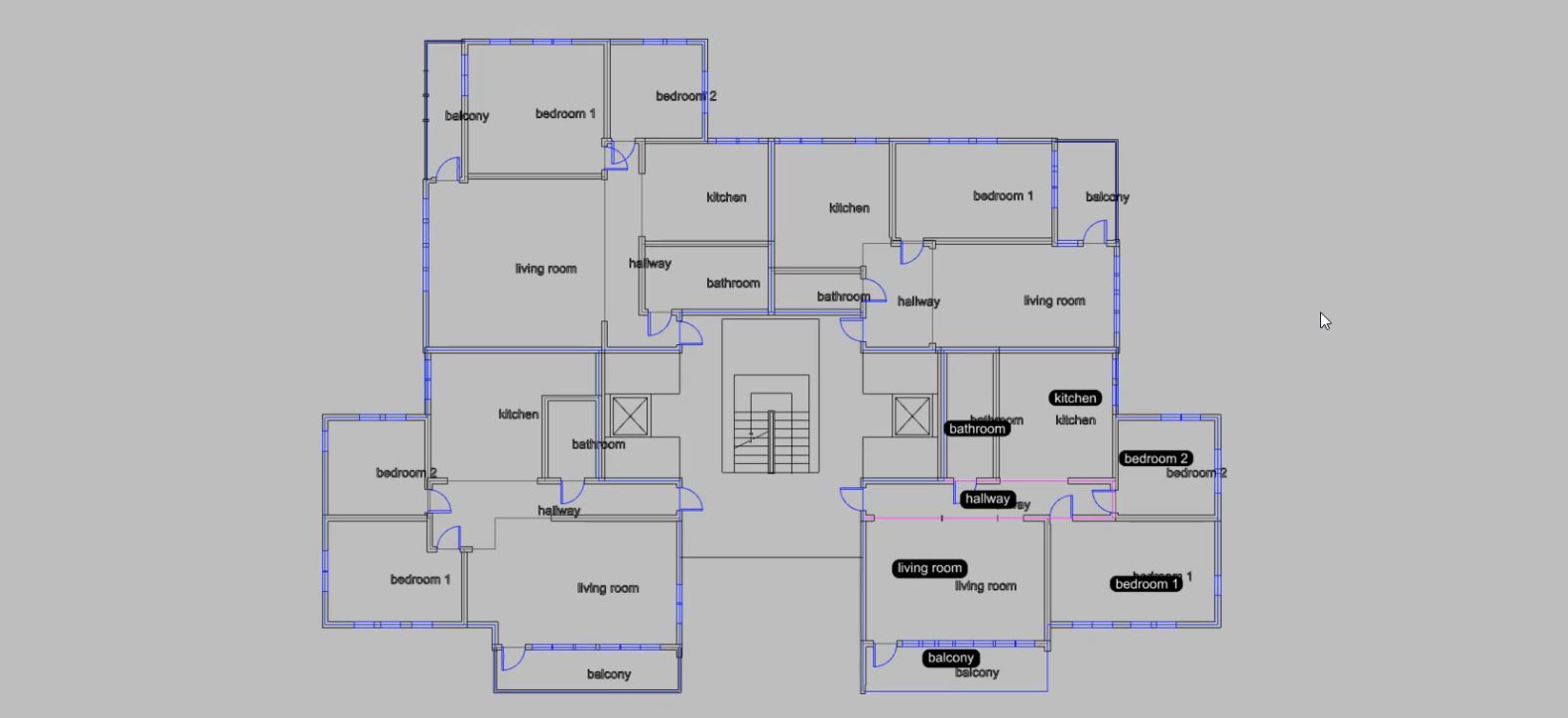
Define your spaces, sync Termite with your CAD software to set boundaries, preferred locations, and fixed geometries to avoid — then explore intelligent layout variations powered by Termite AI.

FEATURE

Easy Draft

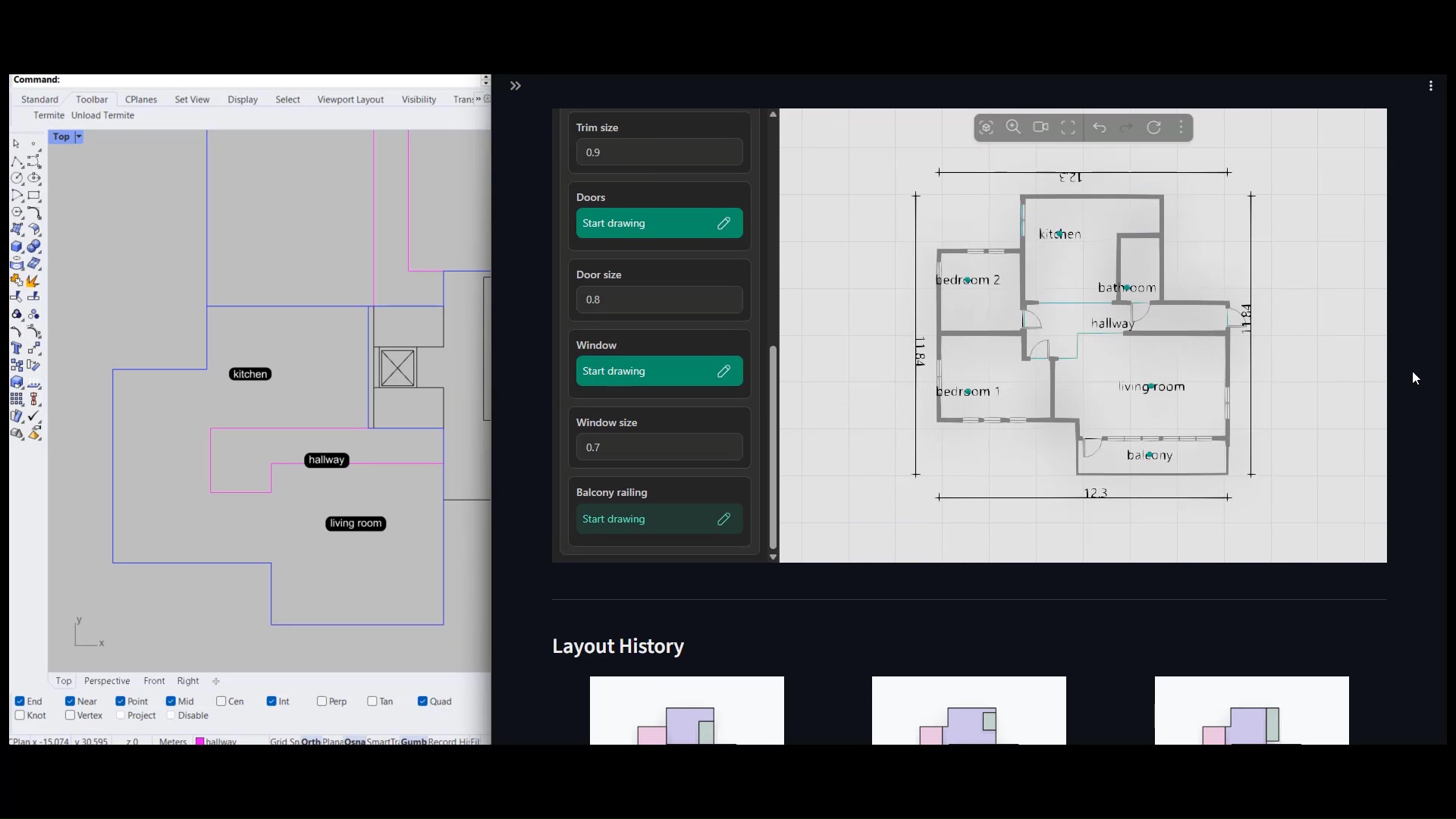
Choose a layout, add and trim walls, place doors and windows, and refine space quality according to your architectural vision — effortlessly with just a few clicks.

FEATURE

Layered Plan Export

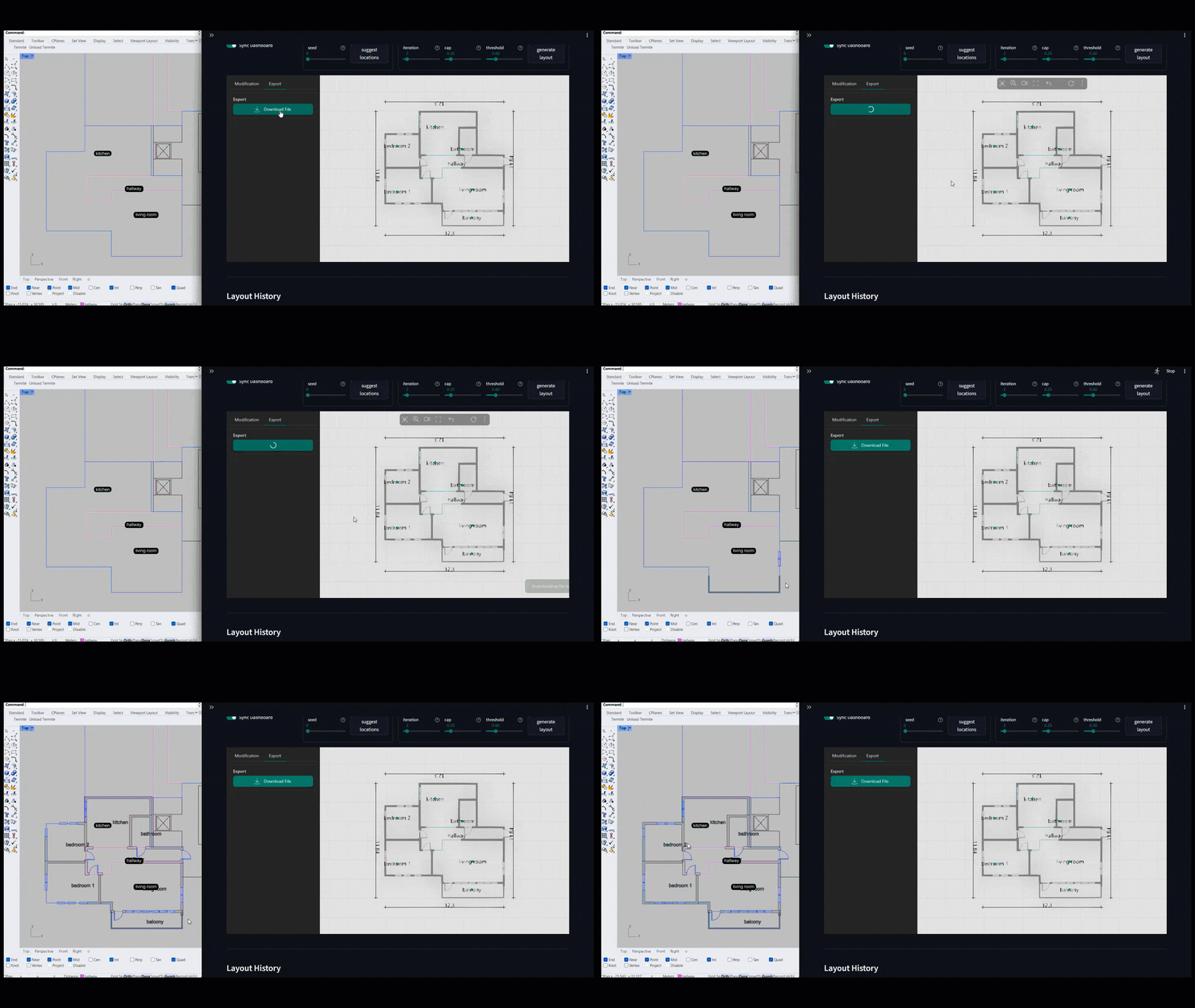
Generate a DWG plan containing windows, doors, walls, and space boundaries as organized layers, and seamlessly import it into your CAD software to align with your synced locations.

FEATURE

Live Sync

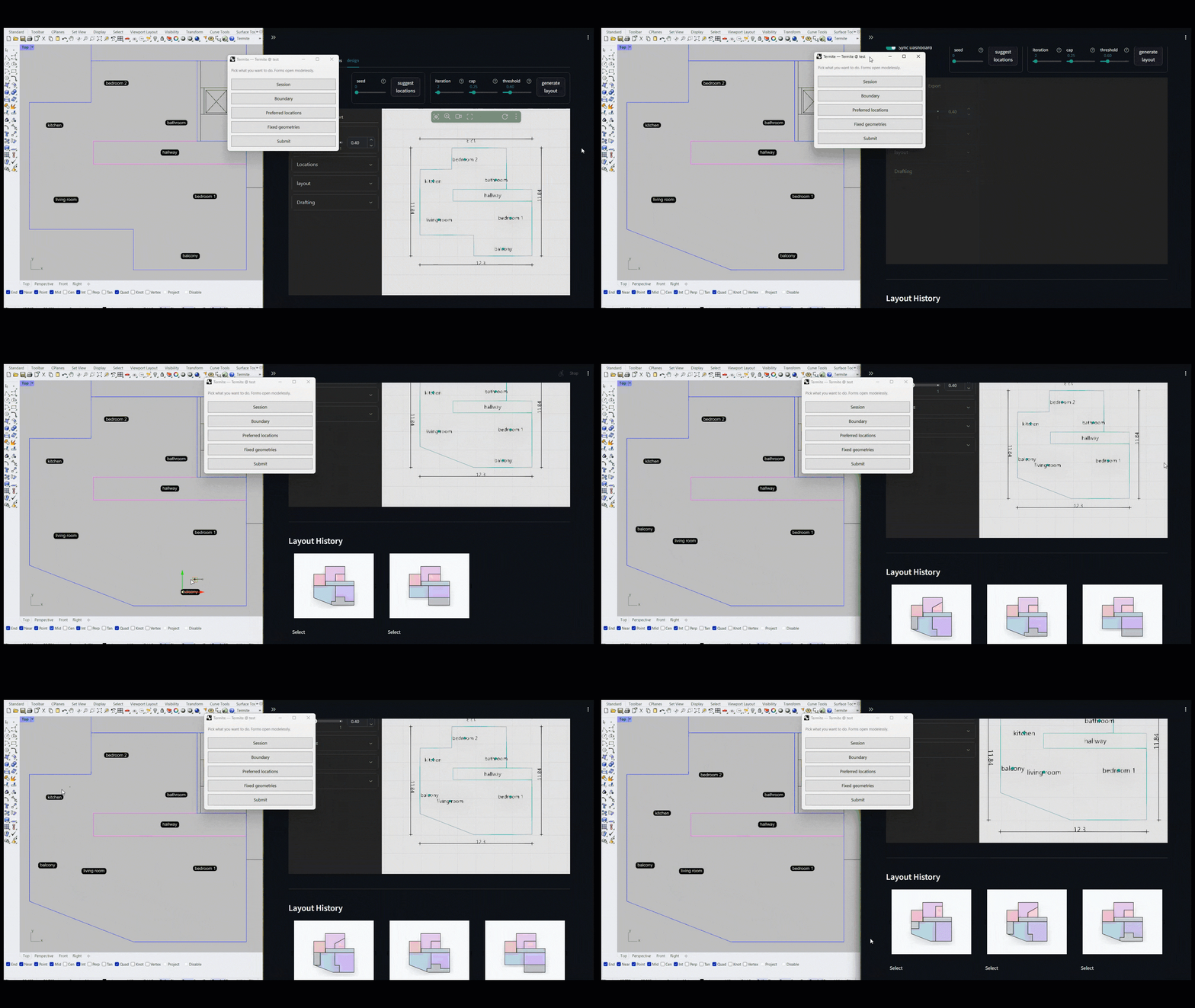
Adjust the building outline or individual space geometry directly in your CAD software and instantly visualize the impact on layout generation in real time.

FEATURE

Design Session

Use a template in a session to complete a floor plan of multiple units, or save the session template to import and use with modification in other sessions.

FEATURE

Layout API

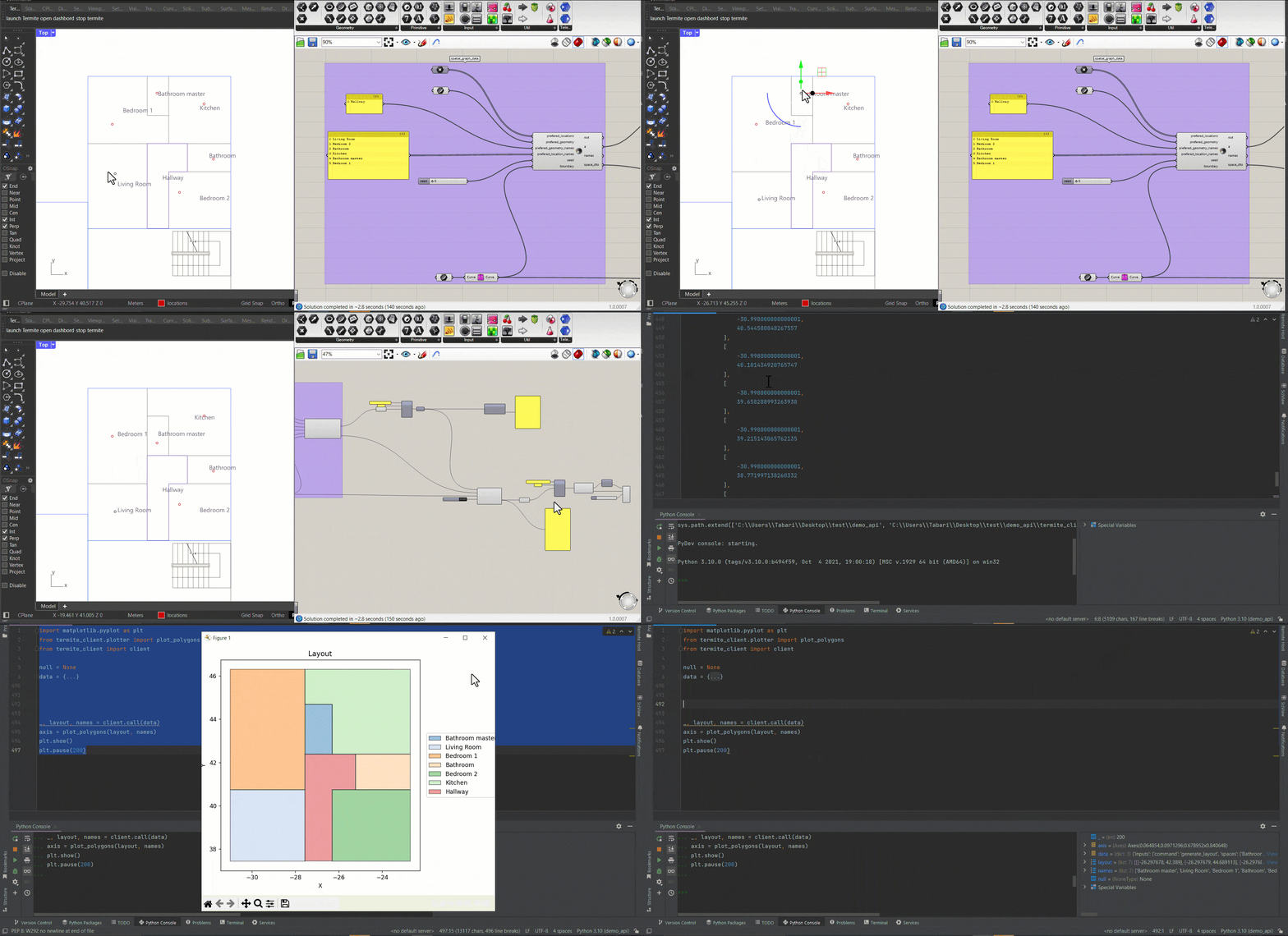
Build your custom workflow and seamlessly integrate Termite’s layout generation AI through the API.

FEATURE

BIM Sync

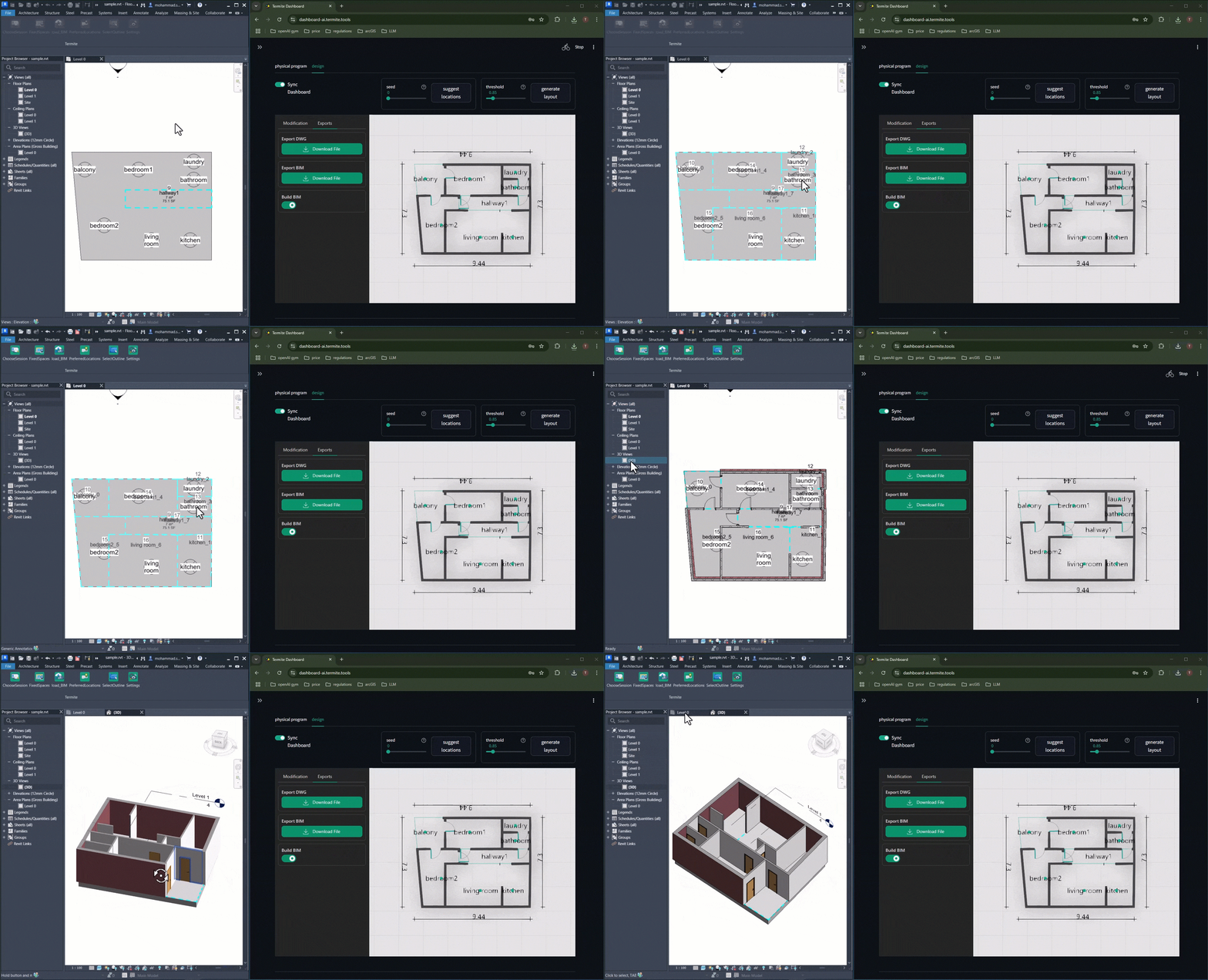
Sync the Termite dashboard with Revit, generate layouts, and export a fully parametric 3D BIM model using native Revit objects.

Step 01
Create Account

Sign up and create your account in just a few easy steps. Start exploring and unleashing possibilities today.

Step 02
Generate Layouts

Generate thousands of design suggestions in a few minutes

Step 03
Evaluate Designs

Evaluate design based on requirements

FEATURES 2026

Upcoming Features

Automatically generate a 3D model from your 2D plan in mesh or BREP format — complete with separated indoor and outdoor walls, windows, floors, and ceilings for effortless material setup and high-quality rendering.

Apply default or custom materials to walls, windows, ceilings, roofing, and HVAC systems. Termite intelligently assigns information layers to your geometry and automates the energy calculation process

Upload local municipality design code documents, and the LLM model will parse and cross-verify the regulations with your generated plan geometry for compliance checking.

Locate your parcel on a web-based map and generate a building form with Termite AI. The system automatically checks local municipality code compliance through an LLM model that interprets your uploaded documents.

STATS

We Are Proud Of Our Works

6500 +

Food4Rhino Downloads

1500 +

Academic Users

2184 +

AEC Companies

FAQS

Frequently Asked Questions

Get quick answers to common queries about our service, pricing, security, and account management in our FAQ section.

How can I change my account?
Please, go to your profile page. then follow the steps below 1. copy the Termite ID under your profile name 2. click on chat bot button and inter your email if its not 3. write down `I need termite package` and enter your copied Termite ID
What is the spaces relation value?
The space relation value is based on the space syntax theory. value 1 means two spaces are neighbor and has direct flow value 2 means two spaces are connecting to each other with a space in between. It means there is an indirect flow between two spaces value 3 means two spaces are connecting to each other with more than one space in between. still there is an indirect flow between th spaces value None_ ( empty) there is no direct/indirect flow between the spaces. The spaces are not neighbor
How do I contact customer support?
You can contact customer support via email at [email protected].